
Integration Onboarding Flow (Certified Partner)
- Partner Listing on the Marketplace
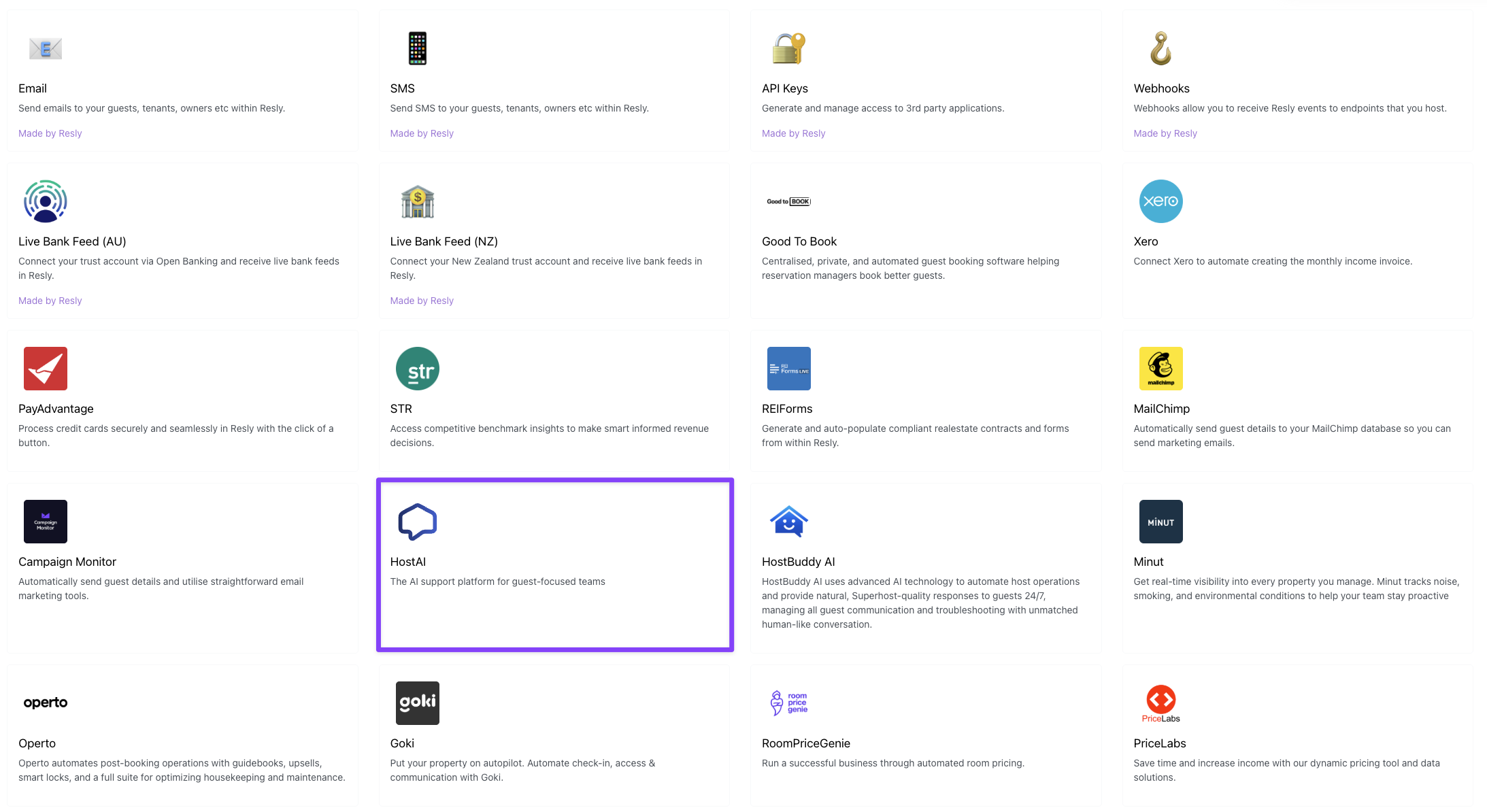
Certified integration partners are displayed on the Integration Marketplace page. Each partner is featured as a grid card that includes:
• Their logo
• App name
• A brief description of the integration
- Integration Overview Page
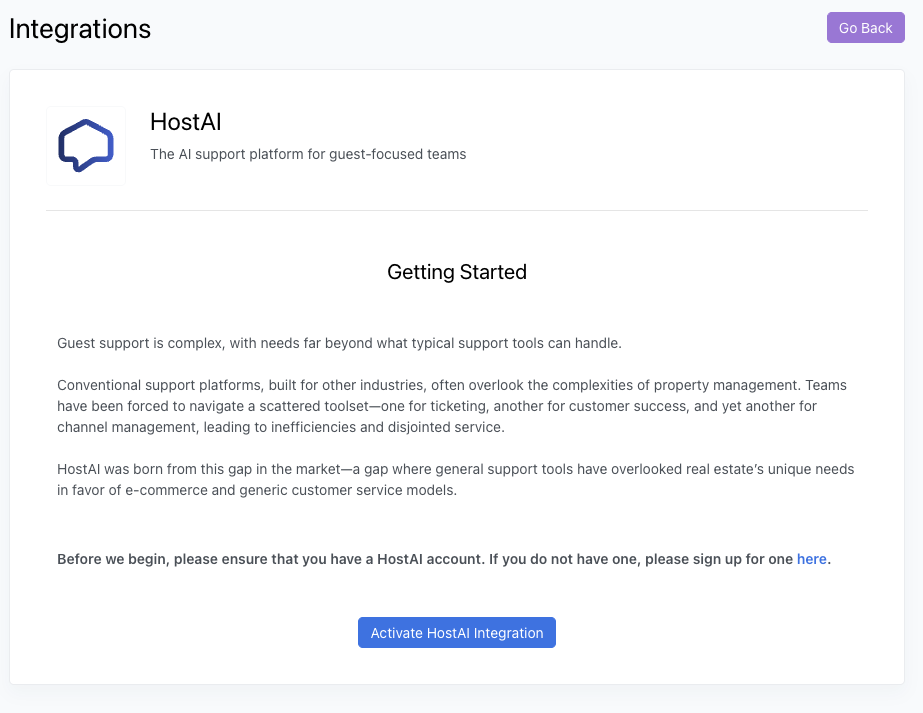
When a user clicks on a partner’s listing for the first time, they’ll land on a dedicated Integration Overview page. This includes:
• A high-level overview of the integration
• Any activation requirements (e.g. creating an account with the partner)
- Activation Process
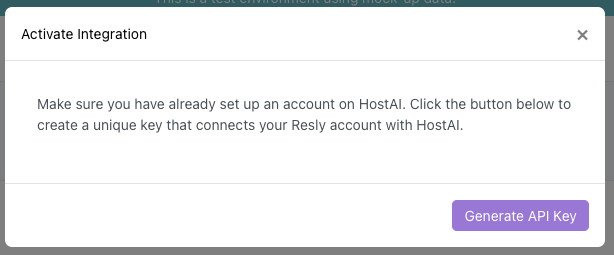
When the user is ready to proceed:
• They click [Activate Integration]
• They’re prompted to confirm that they’ve completed all prerequisites
• Then they click [Generate API Key]
- API Key Generation
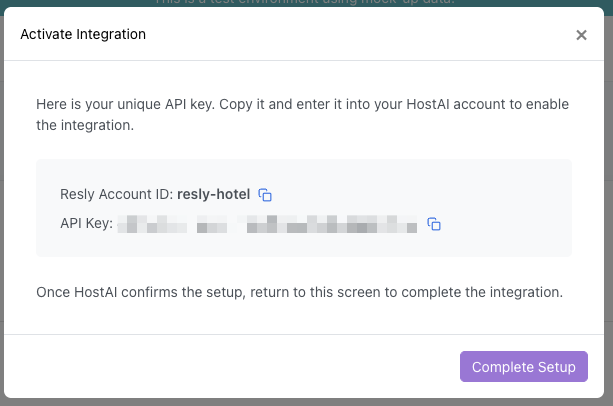
Resly will automatically generate an API key with the pre-defined permissions agreed upon with the partner prior to launch.
The user will be shown:
• Their Resly Account ID
• Their API Key
These values can be copied and pasted directly into the partner’s app.
- Integration Status
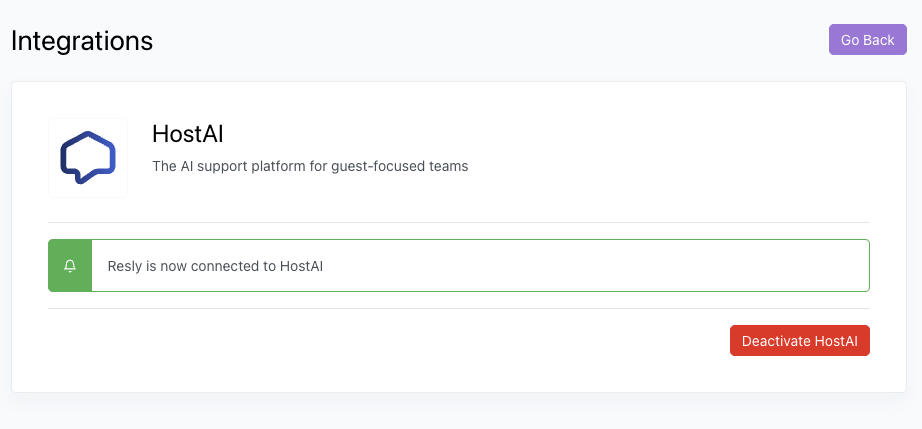
Once the API key is generated and used by the partner, the integration page will update to show the integration is now “Connected.”
- Deactivation
If the user decides to disconnect:
• They can click [Deactivate Integration]
• This will immediately revoke the API key and terminate the connection with the partner
Updated 12 months ago